A muffled speaker is one of the most annoying phone problems because you notice it every time you watch a video or take a call on speaker. The cause is usually simple. Work through this list from top to bottom, because the first few take only seconds to check.
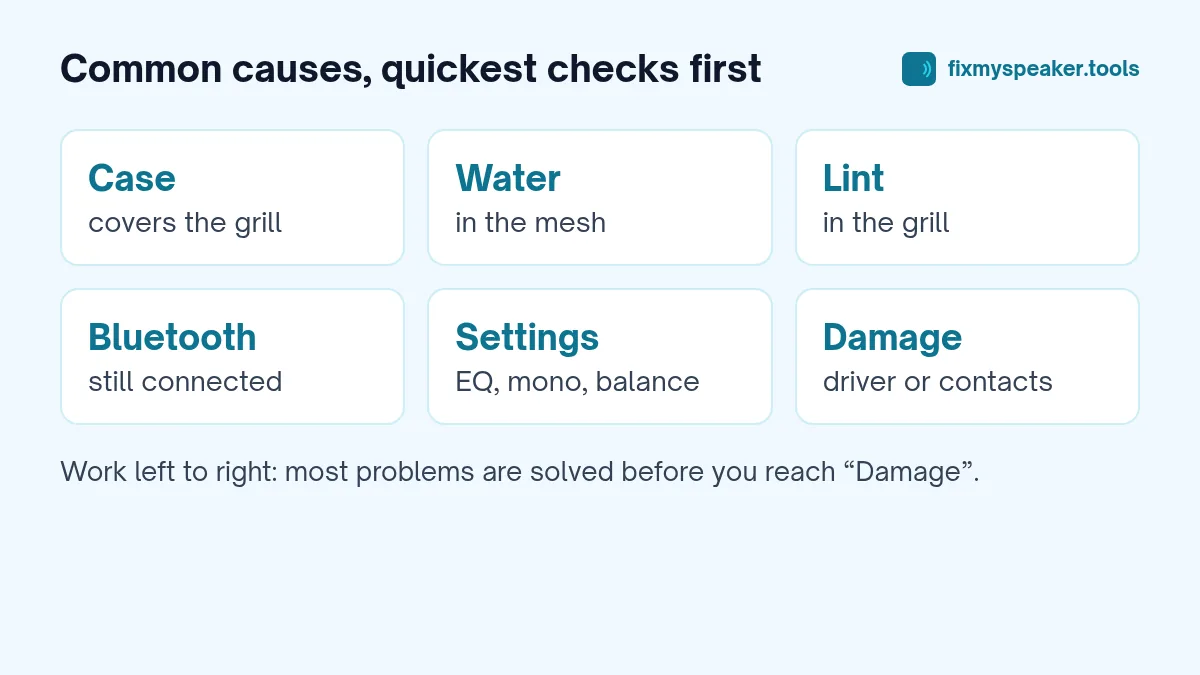
1. Your case is covering the speaker
Cheap or badly fitted cases are a common cause, especially after you’ve switched to a new one. The cut-out may be slightly off, or the case may have a lip that blocks the grille when the phone lies flat.
Check: Take the case off and play the same video. If the sound improves, the case is the problem. Screen protectors can also cover the earpiece slot at the top of the screen.
2. Water in the speaker
If the phone has been in rain, a sink, the shower or a pool recently, a film of water in the grille is the most likely culprit. Water dampens the sound and often adds a buzzing or crackling effect at higher volumes.
Fix: Run the Fix My Speaker water eject tool with the volume at maximum and the speaker facing down. Repeat two or three times and let the phone air dry. Detailed steps for iPhone and Samsung and Android are in our other guides.
3. Lint and dust in the grille
Phones live in pockets and bags, and the speaker grille slowly fills with lint, dust and skin oil. Because it happens gradually, you might not notice until the speaker sounds clearly worse than it did when new.
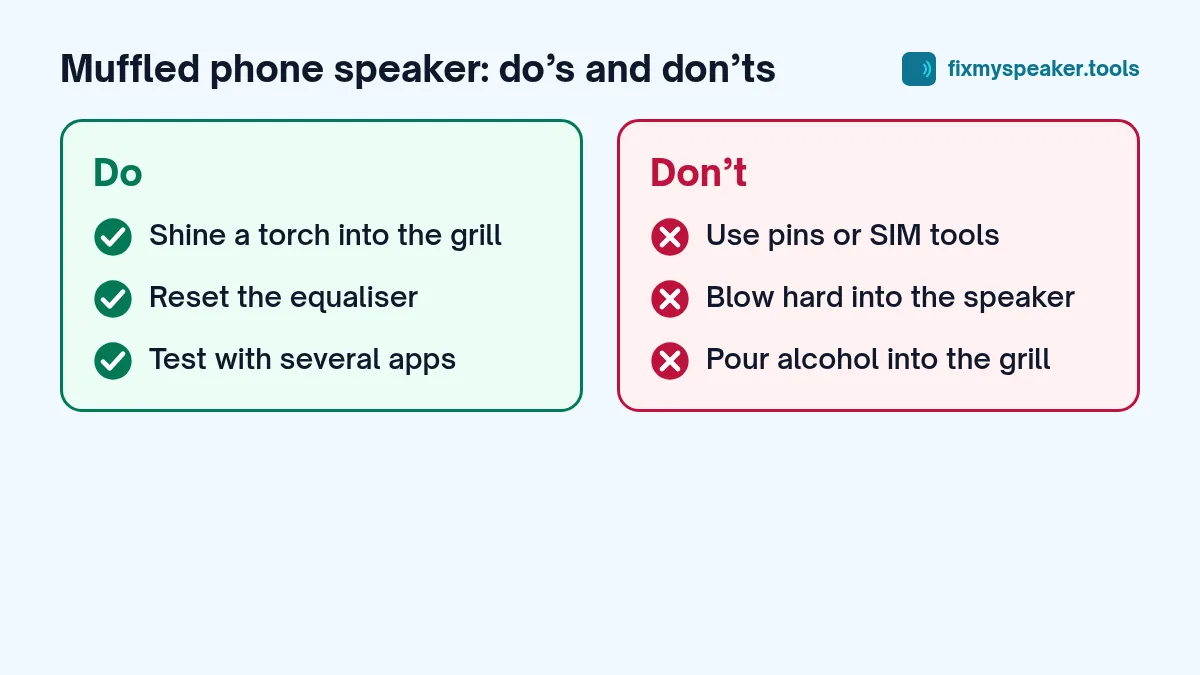
Check: Shine a torch into the grille. If you see grey fluff, that’s it.
Fix: Use a soft, dry toothbrush and gentle strokes, then run the Dust Removal mode in the speaker cleaner. Our guide to cleaning dust from a phone speaker grill safely has the full method, including what not to use.
4. Sound is going to Bluetooth
If your phone is still connected to earbuds, a smartwatch or a car, some sounds may go there instead of the speaker, or you might get a strange mix of quiet speaker and silent Bluetooth.
Check: Turn Bluetooth off and test again. On Android, the media output switcher in the quick settings panel shows where sound is going. On iPhone, check the AirPlay icon in Control Center.
5. Sound settings and effects
Equaliser presets, “Dolby Atmos” modes, “adapt sound” features and accessibility settings can change how the speaker sounds.
Check:
- Turn off or reset any equaliser in Settings.
- On Android, look for Mono audio and balance under Accessibility.
- On iPhone, check Settings, Accessibility, Audio and Visual for Mono Audio and the balance slider.
- In music apps such as Spotify, check the app’s own equaliser.
6. The app or file itself
Some videos are simply recorded with poor sound, and some apps have low default volume. Test with several sources, such as a song in a music app, a YouTube video and a phone call on speaker. If only one app sounds muffled, the problem is the app or the content, not the speaker.
7. One speaker in a stereo pair has a problem
Most recent phones use the bottom speaker and the earpiece together for stereo. If one of them is blocked or weak, the overall sound can seem dull or one-sided.
Check: Use the Stereo Test on the Fix My Speaker homepage. Play left, right and both. If one side is clearly quieter or distorted, focus your cleaning on that speaker. More details in how to test stereo speakers.
8. Hardware damage
If none of the above helps, the speaker may be damaged. Common causes are:
- A drop that loosened or cracked the speaker module.
- Water that reached the speaker contacts and caused corrosion.
- A torn speaker membrane, which often sounds rattly or crackly.
- A previous repair that left the speaker loose or the gasket out of place.
Signs: Distortion even at low volume, crackling that changes when you press near the speaker, or a speaker that cuts in and out. See speaker crackling causes and fixes and when to take it to a repair shop.
A quick troubleshooting order
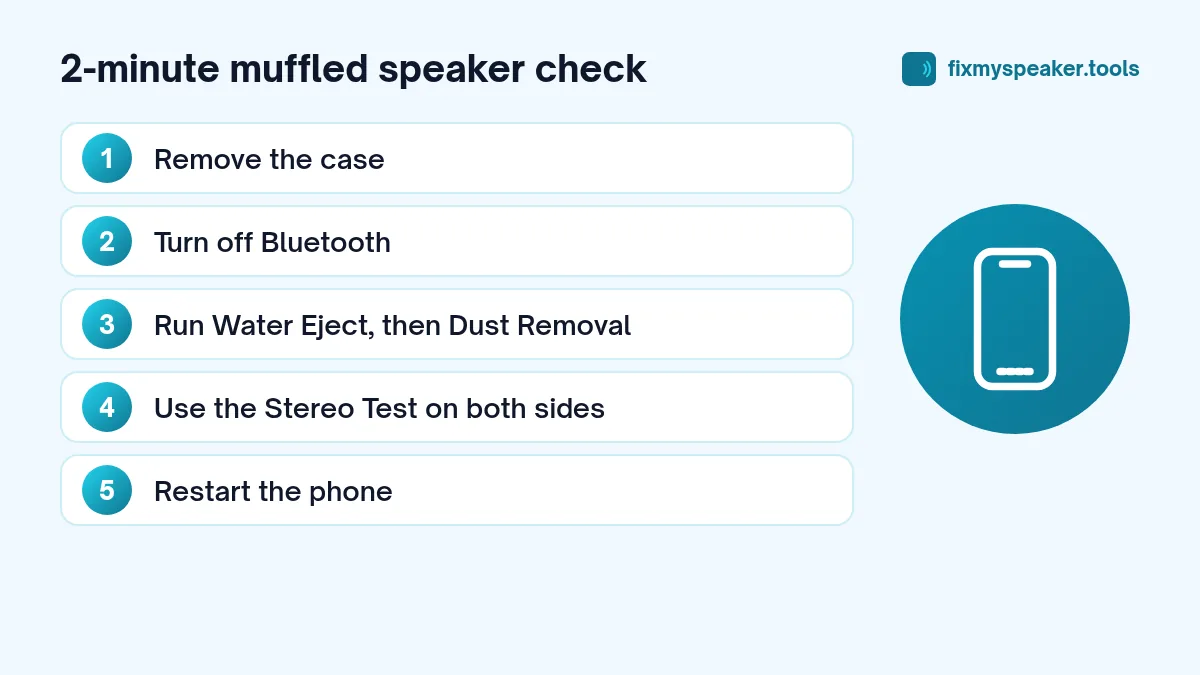
If you only have two minutes, do this:
- Remove the case.
- Turn off Bluetooth.
- Play a song at medium volume.
- Run one cycle of Water Eject, then one of Dust Removal.
- Use the Stereo Test to compare left and right.
- Restart the phone.
That sequence fixes the majority of muffled speakers.
Should you restart or reset the phone?
A restart is always worth trying, because it clears glitches in the audio system. A full factory reset is rarely needed for a muffled speaker; it is better to boot into Safe Mode (Android) to check whether a third-party app is causing the problem. On iPhone, updating iOS fixes the occasional audio bug.
When the muffled sound is in only one place
Narrowing it down tells you where to focus:
- Only on speakerphone calls: usually the bottom speaker; check for lint and water.
- Only when the phone is at your ear: the earpiece. See earpiece speaker muffled on calls.
- Only in videos and music: check app settings, equalisers and Bluetooth first.
- Only at high volume: the speaker may be reaching its limit with bass-heavy content; turn off bass boost.
- Everywhere, suddenly: water is most likely if the phone has been wet; otherwise check for a case or setting change.
Frequently asked questions
Can a screen protector make the speaker sound muffled?
Yes, if it covers the earpiece slot at the top of the screen. It won’t affect the bottom speaker, but it can make calls and stereo audio sound dull.
My new phone sounds muffled out of the box. Is it faulty?
Check for a protective film over the speaker or earpiece. New phones are sometimes shipped with stickers or film that cover openings. Remove them carefully, then test again.
How long does it take for water-muffled sound to clear?
Usually a few minutes with a water eject cycle and up to a few hours of air drying. If it’s still muffled after a day, look at the other causes in this guide.
Why does my speaker sound muffled only with the case on at night?
Many people place the phone face-up on a soft surface like a bed or sofa at night. Fabric presses against the bottom edge and blocks the speaker, especially with thick cases. Try a hard surface, or prop the phone up so the speaker opening is clear. If the sound improves, the speaker is fine.
What doesn’t help
- Pins, needles and SIM tools in the grille. They can puncture the mesh.
- Blowing hard into the speaker. Your breath contains moisture, and strong blowing can push debris deeper.
- Compressed air at close range. It can damage the speaker and microphone membranes.
- Rubbing alcohol poured into the grille. It can dissolve adhesives and carry dirt further in.
A muffled speaker is rarely a sign the phone is finished. In most cases, a few minutes of careful cleaning is enough.