A crackling speaker can come from something as simple as a water droplet or as serious as a torn speaker cone. The trick is to work out which one you’re dealing with before you spend money. This guide covers phones, laptops and Bluetooth speakers, because the causes overlap.
Start by describing the crackle
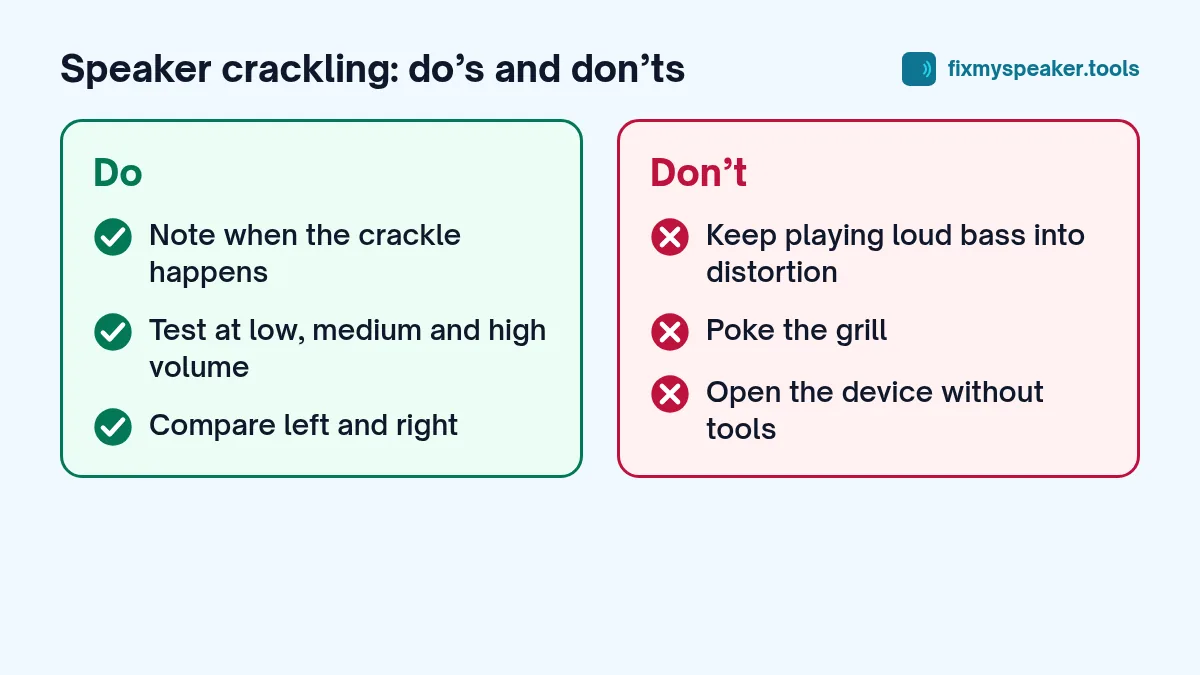
The kind of crackle tells you a lot. Before trying fixes, play a song you know well at low, medium and high volume, and note:
- Does it crackle at every volume, or only when loud?
- Does it happen with all apps, or just one?
- Does it happen on all sounds, or mostly on bass and voices?
- Does it change when you move or gently press the device?
- Did it start after a specific event, like rain, a drop, an update or a new Bluetooth device?
Keep those answers in mind as you go through the causes below.
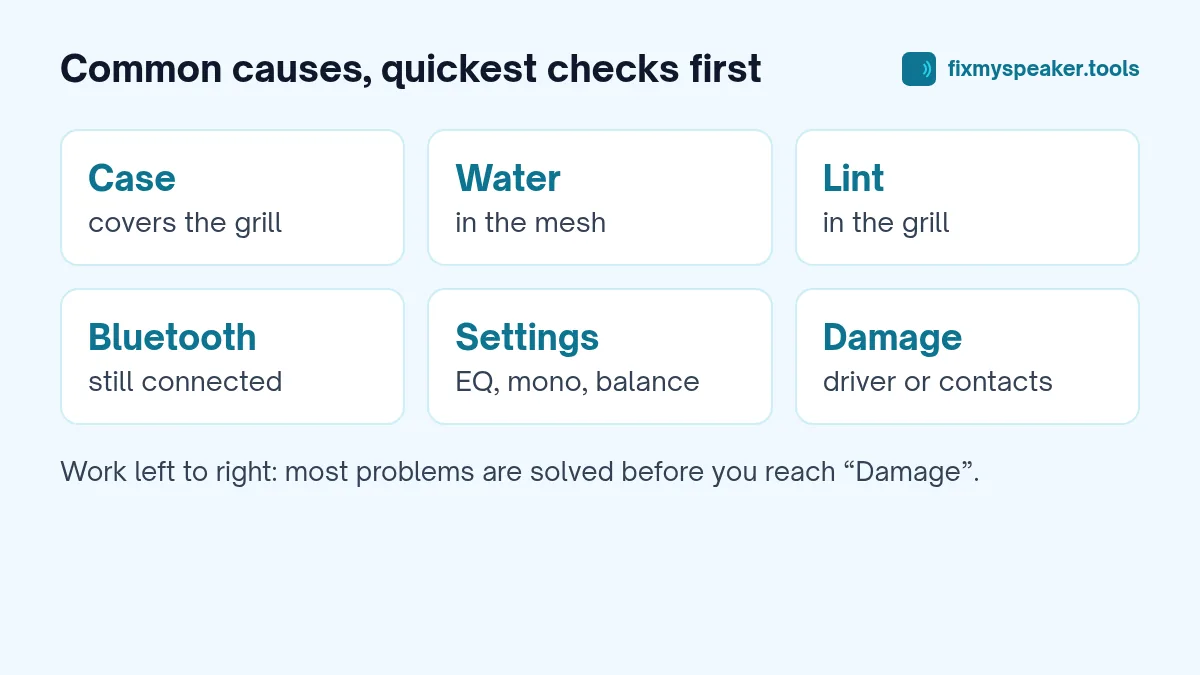
Cause 1: Water in the speaker
Typical signs: Crackling or buzzing, especially at higher volume, that started after the device got wet. Sound may also be quieter or muffled.
Fix: Run the Fix My Speaker water eject tool at full volume with the speaker facing down, two or three times. Then let the device air dry for a few hours. The crackle usually fades as the water clears. See our guides for iPhone and Android.
Cause 2: Dust, lint or debris
Typical signs: A gradual change over weeks or months, a slight rattle on bass notes, or a fuzzy edge on voices. Common in phones carried in pockets and in laptop speakers next to keyboards.
Fix: Brush the grille gently with a soft dry toothbrush, speaker facing down, then run the Dust Removal mode. Full method in how to clean dust from a phone speaker grill.
Cause 3: Volume too high for the content
Typical signs: Crackling only at maximum volume, mostly on bass-heavy music.
Small speakers can only move so far. When a song has a lot of deep bass and the volume is at maximum, the speaker reaches its limit and distorts. This is called clipping. It isn’t necessarily damage.
Fix: Turn the volume down a few steps, and turn off bass boost or “loudness” features in your equaliser. If the crackle disappears at a slightly lower volume, the speaker is probably fine.
Cause 4: Bluetooth interference or weak connection
Typical signs: Crackling, popping or cutting out on Bluetooth speakers or earbuds, often when you move away from the phone, put it in a pocket, or are near Wi-Fi routers and microwaves.
Fix:
- Move the phone closer and clear the line of sight.
- Turn off other Bluetooth devices nearby.
- Forget and re-pair the speaker.
- On Android, try a different Bluetooth codec in Developer options, or turn off any “high quality audio” setting for that device.
- Update the speaker’s firmware through its app if it has one.
Cause 5: Software, drivers or apps
Typical signs: Crackling in one app only, after an update, or on a laptop after installing new software. On computers, crackling that gets worse when the CPU is busy.
Fix on phones: Restart, update the system and apps, and try Safe Mode on Android to rule out third-party apps.
Fix on Windows: Update or reinstall the audio driver in Device Manager, turn off audio enhancements in the sound device properties, and try a different sample rate under the device’s advanced properties. Our laptop speaker guide has step-by-step instructions.
Fix on Mac: Restart, check System Settings, Sound, and update macOS.
Cause 6: A loose connection
Typical signs: Crackling that changes when you press near the speaker, twist the device slightly or tap it. Common after a drop or a previous screen or battery repair.
The speaker connects to the main board through small contacts or a ribbon cable. If those are loose or corroded, the signal cuts in and out, which sounds like crackling.
Fix: This is a repair job. Don’t open the device unless you’re experienced; modern phones are glued together and easily damaged.
Cause 7: A damaged speaker driver
Typical signs: Crackling or rattling at all volumes, including very low; a buzzing sound on particular notes; or sound from one speaker that is clearly worse than the other.
A torn membrane or a damaged voice coil can’t be fixed by cleaning. Use the Stereo Test on the homepage to confirm which speaker is affected. If one side crackles and the other is clean, you know which part needs replacing.
Fix: Replace the speaker module. On most phones the bottom speaker is a separate part, and the repair is usually far cheaper than a screen replacement. See when to go to a repair shop.
A quick diagnosis table in words
- Crackles only when loud, on bass: volume or EQ, probably not damage.
- Crackles after getting wet: water, run the tone and dry.
- Gradual dullness and fuzz: dust and lint.
- Only on Bluetooth: connection or interference.
- Only in one app or after an update: software.
- Changes when you press the device: loose connection.
- Crackles at every volume, on one speaker: damaged driver.
Things that can make crackling worse
- Running test tones at maximum volume for long periods. A few cycles is enough.
- Poking the grille with sharp objects.
- Playing heavy bass at full volume on a speaker that is already distorting.
- Opening the device without the right tools.
Frequently asked questions
Is crackling at maximum volume normal on a phone?
Some distortion at maximum volume with bass-heavy music is common on small speakers. If it goes away a couple of steps below maximum, the speaker is likely fine. Crackling at low volume is not normal.
Can a bad charging cable cause speaker crackling?
On laptops and some phones, a poor charger or ground loop can add noise or buzzing to audio while charging. Unplug the charger and test again. If the noise disappears, try a different charger or cable.
Why does my Bluetooth speaker crackle only in one room?
Wi-Fi routers, microwaves and many other wireless devices share the same 2.4 GHz band as Bluetooth. Moving the phone closer to the speaker, or away from the interference, usually fixes it.
Will the Dust Removal mode fix crackling?
It can help if the crackle comes from loose particles in the grille. It won’t help with crackling caused by damage, a loose connection or software.
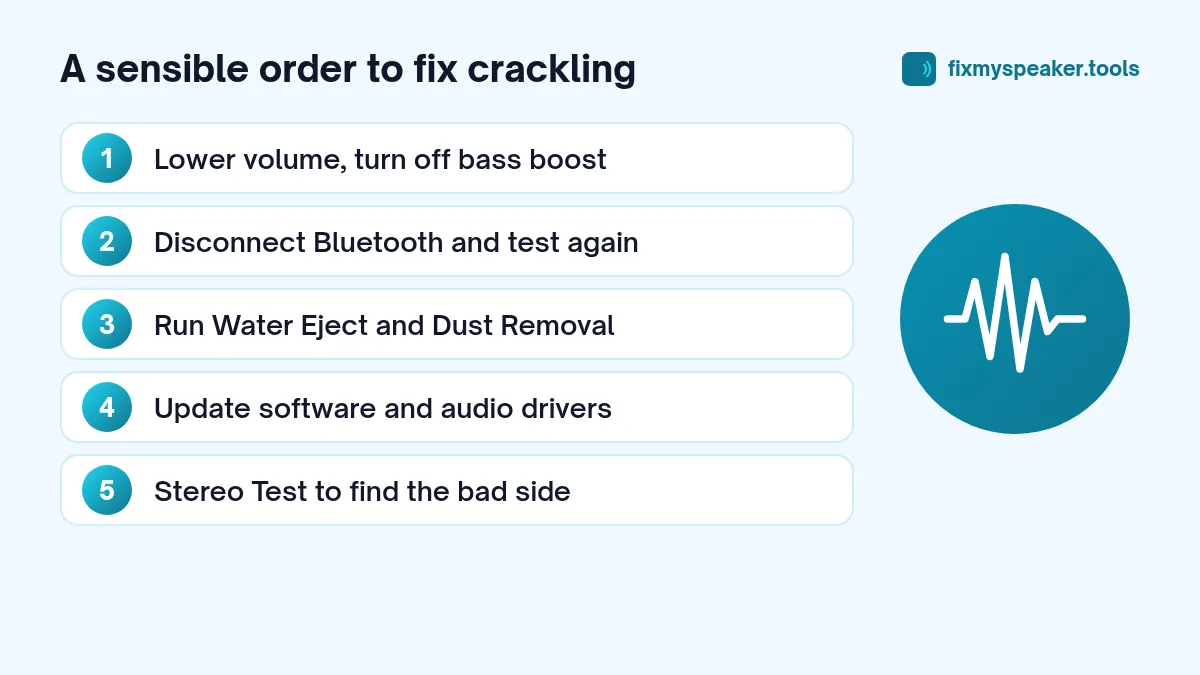
A sensible order to try things
- Lower the volume and switch off bass boost.
- Disconnect Bluetooth and test the built-in speaker.
- Restart the device.
- Run Water Eject and Dust Removal.
- Clean the grille gently.
- Update software and audio drivers.
- Use the Stereo Test to find which side crackles.
- If it still crackles at low volume, have the speaker checked.
Most crackling has a simple cause. Work through the list calmly and you’ll usually find it.