Over months of use, the speaker grille on a phone collects pocket lint, dust and skin oil. The earpiece slot at the top of the screen gets the same treatment from your face and hair. The result is a speaker that slowly gets quieter and duller, until one day you realise calls sound distant.
Cleaning the grille takes five minutes. The key is to be gentle, because the mesh behind the grille is thin and easy to damage.
What you’ll need
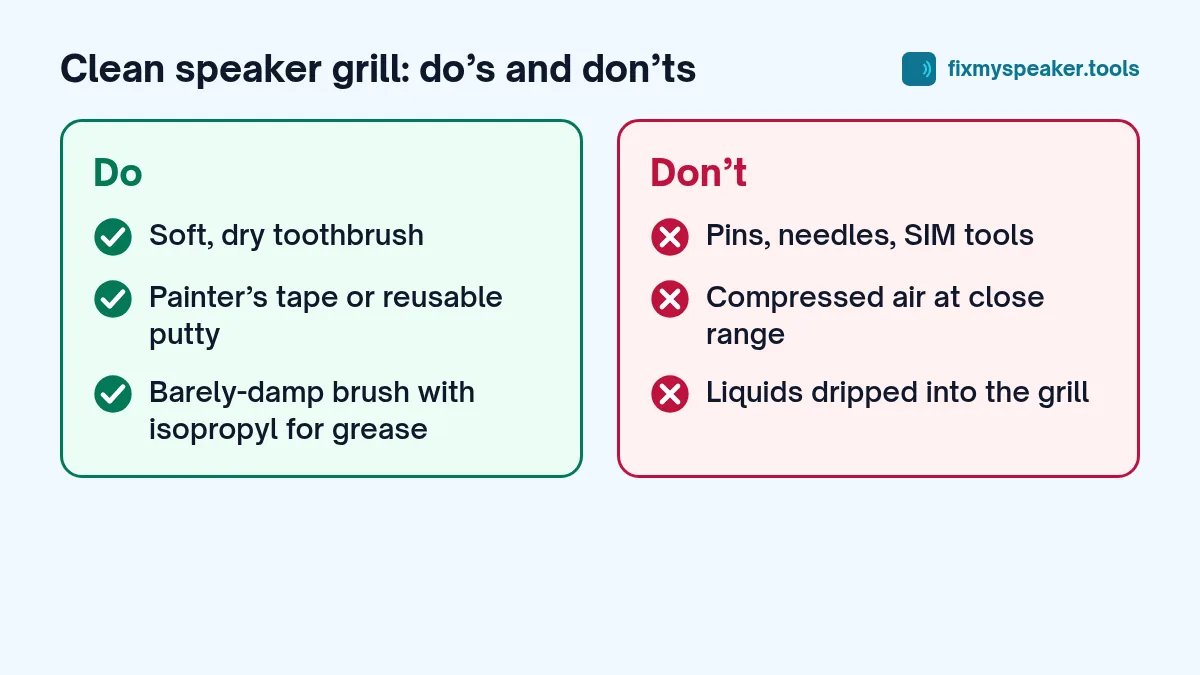
- A soft, dry toothbrush (a new one, or a clean one kept for this).
- A soft paintbrush or makeup brush with fine bristles (optional).
- Painter’s tape, washi tape or a similar low-tack tape.
- Blu Tack or a similar reusable putty (optional, for stubborn lint).
- A torch to see what you’re doing.
- A lint-free cloth.
What you should not use: pins, needles, SIM tools, toothpicks, compressed air at close range, liquids poured into the grille, and anything sharp.
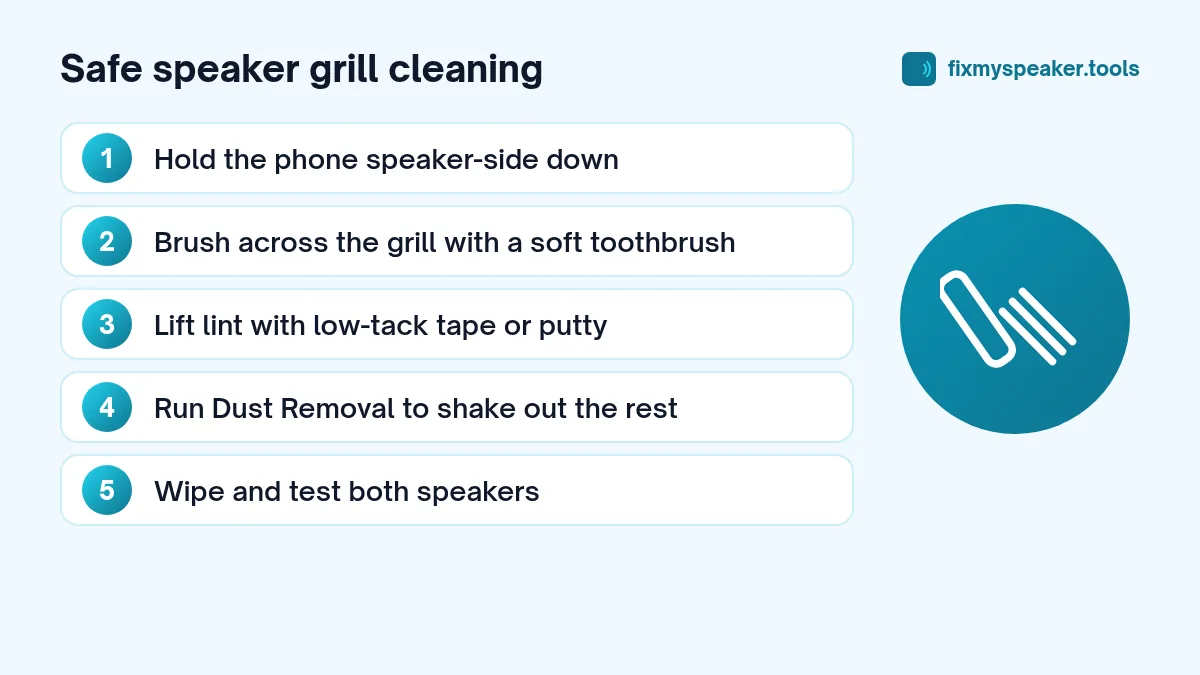
Step 1: Power down and prepare
Switching the phone off isn’t strictly necessary, but it stops you accidentally triggering things on the screen. Remove the case. Find a well-lit table.
Shine your torch into the speaker grille and the earpiece slot. This tells you how much debris there is and where it’s sitting.
Step 2: Brush the grille
Hold the phone with the speaker facing down, so loosened dust falls out instead of in. Use the dry toothbrush and make short, gentle strokes across the grille, not into it. Change direction a few times.
For the earpiece slot on the front, hold the phone screen-down at an angle and brush along the slot.
Don’t scrub. The goal is to lift debris from the surface, not to force bristles through the mesh.
Step 3: Lift what’s left with tape
Take a strip of painter’s tape and fold it so the sticky side faces out around your fingertip. Press it lightly against the grille and lift. Repeat with fresh tape until nothing more comes off.
Low-tack tape works well because it grabs lint without leaving residue. Avoid strong tape like duct tape or packing tape; it can leave glue behind.
For stubborn lint: reusable putty
Roll a small piece of Blu Tack into a ball, press it gently onto the grille and pull it away. Use light pressure, check that no bits of putty are left behind, and use a fresh section each time. Don’t push it hard into the holes.
Step 4: Shake out loosened dust with sound
Brushing loosens dust, but some stays just behind the grille. Now play a cleaning tone to vibrate it out:
- Turn the phone on and open the Fix My Speaker tool.
- Choose Dust Removal. This mode sweeps between 100 and 1000 Hz in short pulses, which helps shake fine particles loose.
- Set the volume to maximum and hold the speaker facing down.
- Let it run, then brush the grille gently once more.
Repeat for the earpiece by turning the phone so the top edge faces down. Running a cycle of Deep Clean afterwards can help with larger speakers or tablets.
Step 5: Wipe and test
Wipe the outside of the phone with a lint-free cloth. Then test:
- Play a song at medium volume.
- Make a call or play a voice note with the phone at your ear to check the earpiece.
- Use the Stereo Test on the homepage to compare both speakers.
Can you use isopropyl alcohol?
A tiny amount of isopropyl alcohol (high percentage) on a toothbrush can help remove greasy grime from the outside of a metal grille. Dip the brush, tap off the excess so it is barely damp, then brush gently with the grille facing down. Never pour or spray alcohol into the grille, and let it evaporate fully before using the phone.
If your phone’s manufacturer advises against cleaning products, follow their advice. Some coatings and adhesives don’t like solvents.
Why pins and compressed air are a bad idea
Behind every speaker grille there is usually a fine mesh, often with a waterproof membrane. A pin can puncture it in an instant, and a punctured membrane lets water and dust straight into the speaker. Compressed air is risky for a different reason: the pressure can push debris deeper and can damage the speaker or microphone membrane. If you do use air, use a small hand blower, not a can at close range.
How often should you clean the speaker?
There is no fixed schedule. A good habit is to check with a torch every couple of months, or whenever you notice the sound getting dull. If you work in a dusty environment, like construction, a workshop or a farm, check more often.
Cleaning other openings
The same approach works for the microphone holes (they’re usually tiny holes near the speaker or the charging port) and the charging port itself. For the port, use a wooden toothpick very gently or a soft brush to lift out lint, and never use metal. A port packed with lint is a common reason a cable doesn’t click in properly.
Common mistakes when cleaning a speaker grill
- Scrubbing hard. Pressure pushes debris through the mesh. Light strokes work better.
- Brushing with the speaker facing up. Loosened lint falls back in. Keep the grille facing down.
- Using an old, dirty toothbrush. It can leave toothpaste residue behind. Use a clean, dry one.
- Using too much alcohol. A barely damp brush is enough; anything wetter can carry dirt into the speaker.
- Cleaning the charging port with metal. Metal can scratch contacts and short pins. Use wood or plastic.
Frequently asked questions
Can I use a vacuum cleaner on the speaker grill?
A vacuum with a narrow nozzle can lift loose lint, but strong suction may damage the mesh. If you try it, hold the nozzle near the grille rather than pressed against it, and keep it short.
How do I know if I’ve damaged the mesh?
Damage usually shows up as rattling, buzzing or crackling that wasn’t there before. Use the Stereo Test on the homepage to compare both speakers. If one side now sounds rough, stop cleaning and have it checked.
Should I clean the speaker if the phone is under warranty?
Gentle outside cleaning with a soft brush and tape is normal care and won’t affect your warranty. Don’t open the phone or use sharp tools.
When cleaning isn’t enough
If the grille looks clean but the speaker still sounds muffled, the problem is probably deeper, such as dried residue from a drink, a clogged internal mesh, or a damaged speaker. Read why your phone speaker sounds muffled for the full list of causes, and speaker crackling causes and fixes if you hear crackling or buzzing. If you need a professional, our repair shop guide explains what to expect.