OnePlus phones are well known for loud dual speakers, so you notice quickly when one of them goes quiet. A rainy ride, a spilled glass of water or a quick rinse under the tap can leave water in the bottom speaker or the earpiece, and the result is muffled, buzzy or distorted sound.
This guide explains how to clear it, and how to tell whether the problem is water or something else.
Water resistance varies a lot between OnePlus models
OnePlus has used very different ratings over the years:
- Some models carry IP68 or even IP69 ratings, which means they were tested for submersion and, in the case of IP69, high-pressure water jets.
- Others, including several flagship and Nord models, are rated IP64, IP65 or IP54. These handle splashes and rain but are not meant to go underwater.
- Some older or carrier-specific versions have no official rating.
Look up your exact model before deciding how worried to be. A phone rated for splashes that was fully submerged needs more drying time than one rated IP68.
Whatever the rating, remember that it is measured in fresh water in a lab and doesn’t cover salt water, chlorinated water or drops after the exposure. Liquid damage is also usually excluded from the warranty.
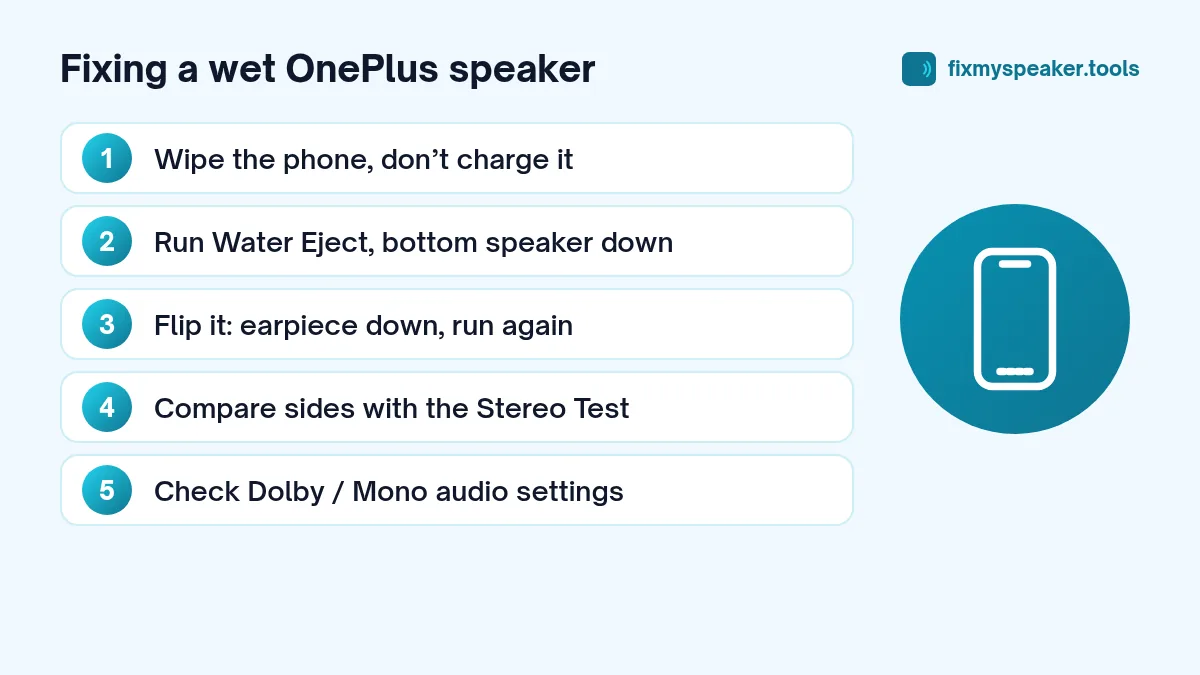
Step 1: Dry the outside
- Remove the case.
- Wipe the phone with a soft cloth, paying attention to the bottom edge.
- Don’t charge it until you are sure the USB-C port is dry.
- Tap the bottom edge gently against your palm to shake loose any drops.
Step 2: Clear the speaker with a low tone
OnePlus phones don’t include a dedicated water eject feature as standard, but you can use a browser tool:
- Open the Fix My Speaker tool in Chrome.
- Raise the media volume to maximum.
- Hold the phone with the bottom speaker facing down over a towel.
- Tap Eject Water. The tool plays a strong low-frequency buzz for 90 seconds.
- Wipe away any droplets and run it again if the sound is still dull.
Then turn the phone over so the top edge faces down, and run it once more. On OnePlus phones the earpiece is the second stereo speaker, and water there makes calls sound distant.
Use the Stereo Test
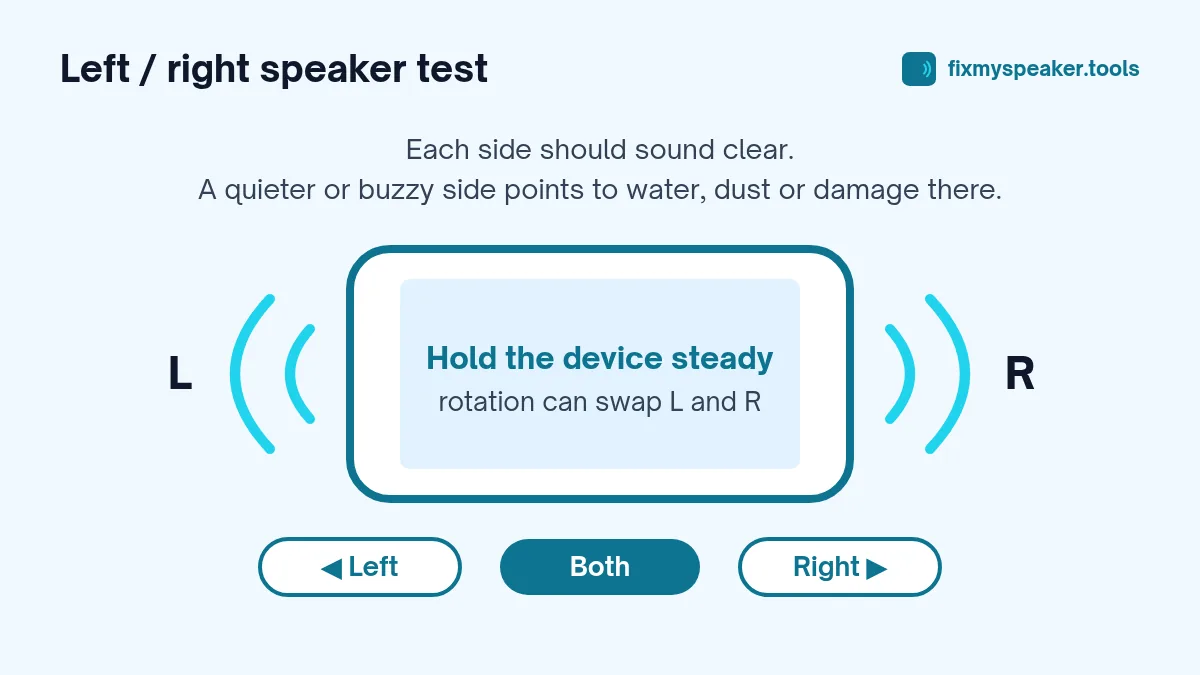
Once you have run the water eject cycle, switch to Stereo Test in the tool and play the left, right and both channels. If one side sounds clearly quieter or rougher than the other, there is probably still water in that speaker. Give it more time to dry and repeat.
One thing to know: when you rotate the phone, Android may swap which physical speaker plays left and right. Test with the phone held upright, or note which end is which before you start. Also check that Mono audio is off under Settings, Accessibility, or both channels will sound the same.
Step 3: Let it air dry
After playing the tone:
- Put the phone in a dry place with moving air, like near a fan.
- Stand it with the ports facing down.
- Wait at least 30 minutes after a splash and several hours after a full dunk before charging.
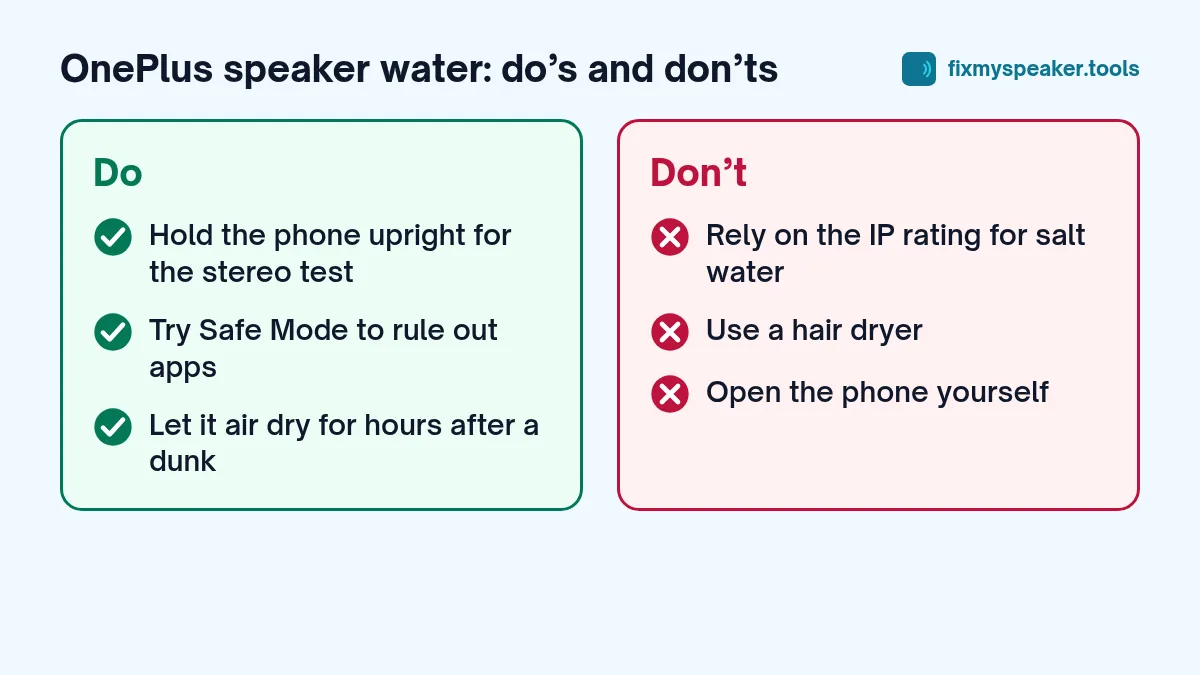
Don’t use a hair dryer, heater or oven, and don’t bury the phone in rice. Heat can damage the battery and the adhesive seals that give the phone its water resistance in the first place. Rice does very little to pull moisture out of a sealed phone, and it can leave dust in the ports. There is more on this in phone fell in water: first steps and myths.
OnePlus sound settings worth checking
If the speaker still sounds odd once the phone is dry, rule out software before assuming hardware damage:
- Dolby Atmos or audio tuning. Look in Settings, Sound and vibration for options like Dolby Atmos or audio tuning, and try switching profiles or turning the effect off.
- Bluetooth. Make sure the phone isn’t still connected to earbuds or a car system.
- Safe Mode. Press and hold the power button, then long-press Power off to see the Safe Mode prompt. If the speaker sounds normal in Safe Mode, a third-party app is interfering.
- Updates. Occasionally a software update changes speaker tuning. Check for pending updates.
Dust and lint
OnePlus speaker grills are narrow slots that catch pocket lint. If you have been using the phone for a year or more, the muffled sound may be partly lint that got wet and stuck. Try the Dust Removal mode in the speaker cleaner, then follow our guide to cleaning dust from a phone speaker grill. A soft, dry toothbrush is usually enough.
When it might be more than water
If the speaker crackles, buzzes at all volumes or is completely silent after the phone has had a full day to dry, the driver or its contacts may be damaged. Signs that point to hardware:
- Distortion that is the same at low and high volume.
- Crackling that changes when you press gently near the speaker.
- No sound at all from one speaker in the Stereo Test.
Our guide on speaker crackling causes and fixes explains each symptom, and when to go to a repair shop covers what a repair involves. On most OnePlus phones the bottom speaker is a separate module, so replacing it is a fairly routine job for a technician.
Common mistakes after a OnePlus gets wet
A few habits slow recovery down or cause new problems:
- Charging with the fast charger “just to check”. Fast charging pushes more current through the port. Wait until it’s dry.
- Running the tone for ten minutes straight. Two or three short cycles work better than one long one, because you can wipe the grille in between.
- Testing only the bottom speaker. OnePlus phones use the earpiece as the second stereo speaker, and it often holds water too.
- Putting the case back on too soon. A case traps moisture around the ports. Leave it off for a few hours.
Frequently asked questions
Does OnePlus have a built-in speaker cleaner?
OnePlus phones don’t include a standard water eject feature. Use the Fix My Speaker tool in your browser instead.
Why does my OnePlus sound different after a software update?
Updates sometimes change audio tuning or reset Dolby Atmos profiles. Check the sound settings before assuming the speaker is damaged.
Can water damage show up days later?
Yes, if water got inside the phone, corrosion can develop over days or weeks. Watch for charging problems, speakers that cut out, or the phone getting warm while idle, and get it checked if any of these appear.
Summary
- Wipe the phone, remove the case, and don’t charge it.
- Run the Water Eject mode at full volume, bottom speaker facing down.
- Repeat with the earpiece facing down.
- Use the Stereo Test to compare both speakers.
- Air dry without heat or rice.
- Check sound settings and Safe Mode before assuming hardware damage.