Redmi, Xiaomi and POCO phones are some of the most popular phones in India and many other markets, and they get used in rain, in kitchens and on bikes. A common complaint after a splash is that the speaker sounds muffled or makes a buzzing noise. The good news is that Xiaomi includes a speaker cleaning feature on many of its phones, and if yours doesn’t have one, a browser tool does the same job.
How water resistant is your Redmi or Xiaomi phone?
This matters, because it tells you how much water might have got in. Ratings vary a lot across the range:
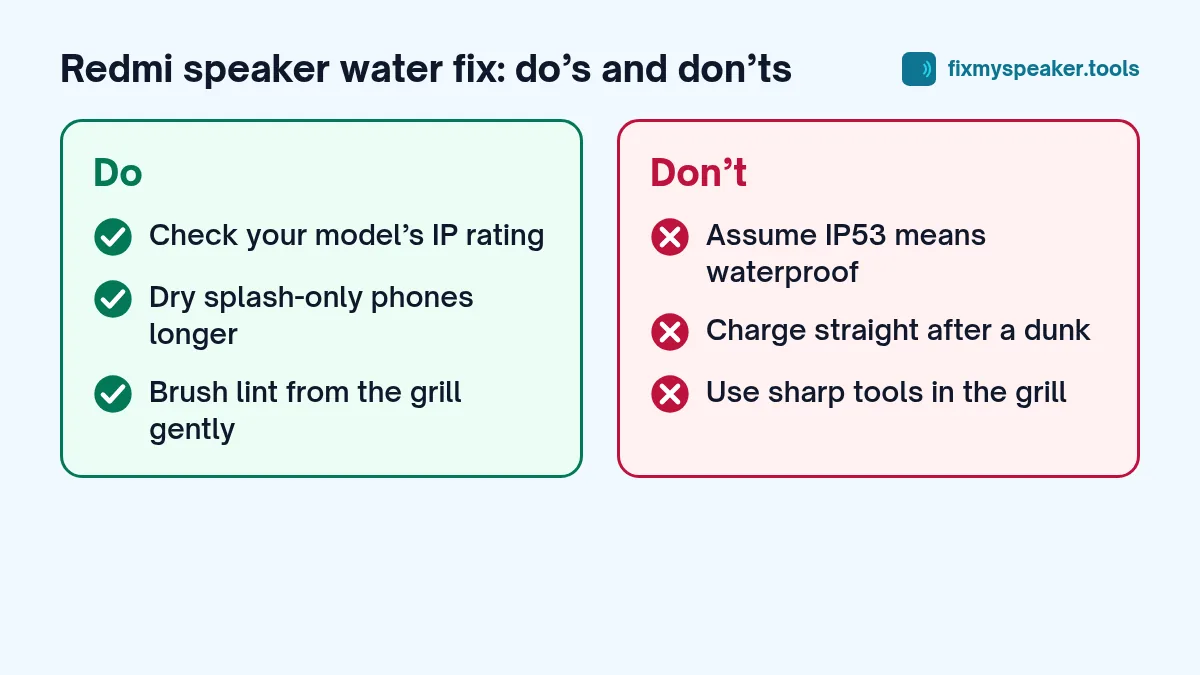
- Many Redmi and Redmi Note models are rated IP53 or IP54. That means protection from dust and splashes, not submersion.
- Some higher-end models, including some recent Xiaomi flagships and Redmi Note Pro+ models, are rated IP68.
- Some older and budget models have no official rating at all, although they may have internal splash protection coatings.
Check the specification page for your exact model. If your phone is only splash resistant and it was fully dunked, treat it more cautiously: switch it off and dry it for longer before using it heavily.
Option 1: Use the built-in Clear speaker feature
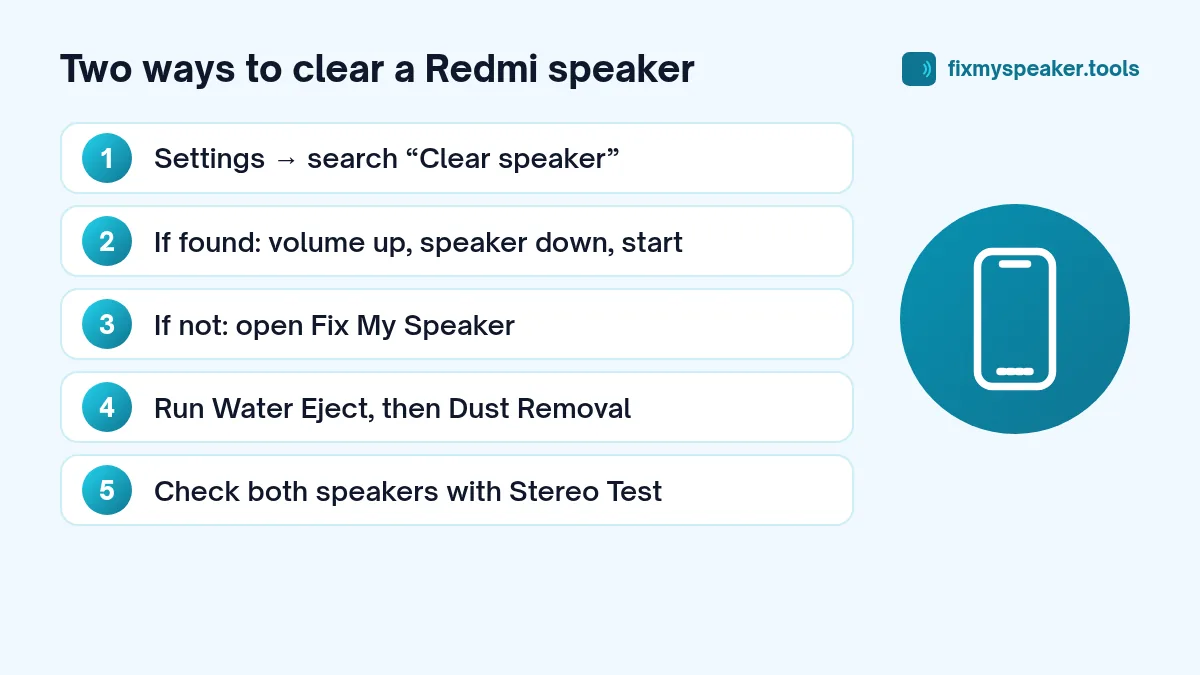
Many Xiaomi, Redmi and POCO phones running MIUI or HyperOS include a Clear speaker tool. It plays a tone through the speaker to push out dust and water. Its location has moved between software versions and regions, so the easiest way to find it is:
- Open Settings.
- Tap the search bar at the top.
- Type clear speaker.
On many versions it lives under Settings, Additional settings, Clear speaker. If it appears, turn the volume up, place the phone speaker side down and start it. It usually runs for about 30 seconds and can be repeated.
If search finds nothing, your phone or region simply doesn’t include it. That is common, and it doesn’t mean anything is wrong.
Option 2: Use the Fix My Speaker tool
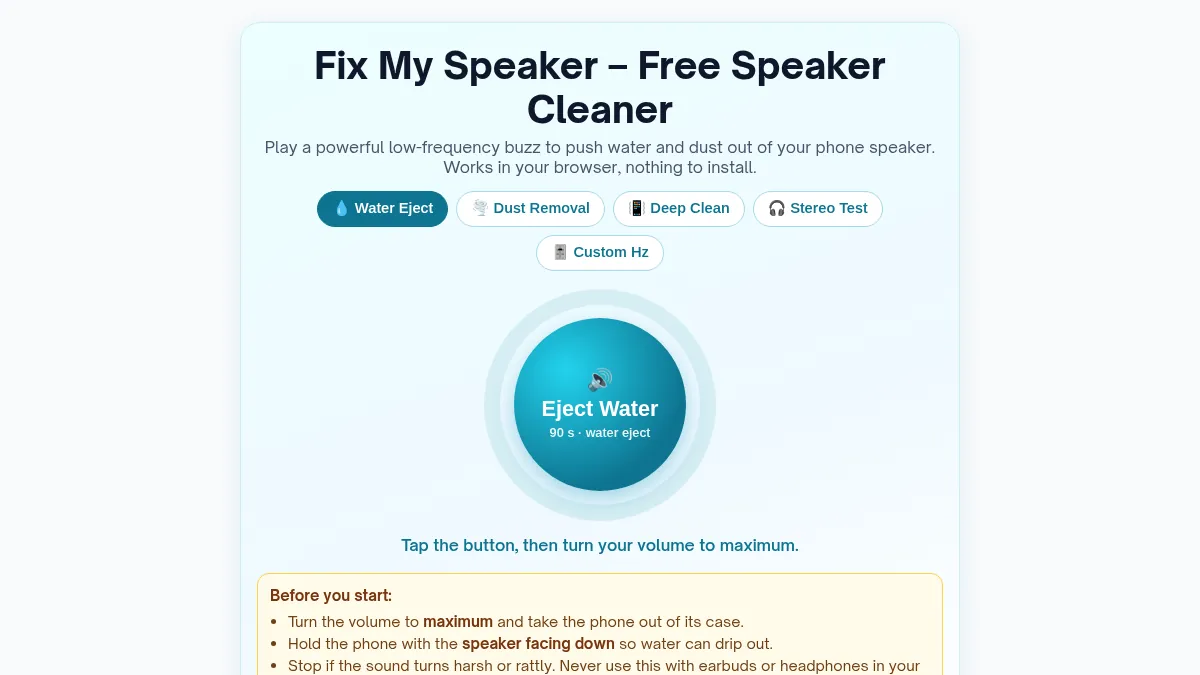
The Fix My Speaker tool works in any browser and has a few more options than the built-in feature:
- Water Eject plays a strong low-frequency buzz (a 15 Hz square wave whose harmonics include 165 Hz) for 90 seconds.
- Dust Removal sweeps between 100 and 1000 Hz in short pulses, which helps loosen fine dust.
- Deep Clean uses low pulses for stubborn cases.
- Stereo Test lets you check the bottom speaker and the earpiece separately.
To use it:
- Remove the case and wipe the phone.
- Raise the media volume to maximum.
- Hold the phone with the speaker grill facing down.
- Tap Eject Water and let it finish.
- Wipe the grill and repeat if the sound is still dull.
Most Redmi Note phones from the last few years have dual speakers, with the earpiece acting as the second one. If voices on calls sound muffled, run the tool with the top edge facing down too.
The “water or dirt in charging port” type warnings
Some Xiaomi phones warn you about moisture in the USB port, while others don’t. Either way, the rule is the same: don’t charge a phone that you know is wet. Give the port time to dry. A phone that is charged while the port is wet can corrode, and corrosion often shows up weeks later as a port that charges only at certain angles.
Drying the phone properly
Sound clears the grill, but the rest of the phone needs air. After running the tone:
- Leave the phone in a dry room, preferably near a fan.
- Stand it with the bottom edge down so water drains toward the openings.
- Wait a few hours before charging after a full dunk, and at least 30 minutes after a light splash.
Skip the rice bag. Rice absorbs very little moisture from inside a sealed phone and can leave starch dust in the charging port and speaker mesh. We explain why in phone fell in water: first steps and myths. Also skip hair dryers and heaters; heat can damage the battery and soften the adhesive that holds the display and back glass in place.
Dust in the speaker
Redmi phones that live in pockets and bags often collect lint in the speaker grill. Dust and water also combine into a paste that dries hard. If your speaker sounds muffled even though it hasn’t been near water, run the Dust Removal mode first, then follow our guide on how to clean dust from a phone speaker grill safely.
Checking that everything works
Once the phone is dry:
- Play a song or video at medium volume and listen for buzzing or rattling.
- Use the Stereo Test on the Fix My Speaker homepage to check left and right channels.
- Make a test call on speakerphone and then normally, with the phone held to your ear.
Xiaomi phones also include a hardware test menu on many models. It is typically opened by tapping the kernel version in Settings, About phone, All specs several times. It contains speaker and receiver tests. If you can’t find it on your model, the Stereo Test tool does a similar job.
If the sound doesn’t come back
If the speaker is still crackly a day later, the problem is probably no longer water. Possible causes include:
- Residue in the mesh from salty or sugary liquids.
- A speaker driver damaged by the water or by a drop.
- Corrosion on the speaker contacts.
Read speaker crackling causes and fixes to narrow it down. If none of the fixes work, our repair shop guide explains what a technician will check and what it usually involves. On most Redmi phones the loudspeaker is a separate module that a repair shop can replace without touching the display.
Frequently asked questions
Is the built-in Clear speaker feature better than a web tool?
They work on the same principle: both play sound to push water and dust out of the grille. Use whichever is easier. The built-in feature works without a browser, while Fix My Speaker adds extra modes like Dust Removal and the Stereo Test.
Why can’t I find Clear speaker on my Redmi?
It isn’t included on every model, region or software version. Searching Settings for “clear speaker” is the quickest way to check. If nothing comes up, your phone simply doesn’t have it.
My Redmi says the charging port is wet. Can I still use fast charging?
No. Wait until the port is completely dry, whatever charging speed you plan to use. Fast charging pushes more current through the port, and that makes corrosion more likely if any water is left.
Does HyperOS change where settings are?
Yes, menu names and locations shift between MIUI and HyperOS versions. If a path in this guide doesn’t match your phone, use the search bar at the top of Settings; it finds most options by name.
Summary
- Search Settings for Clear speaker to see if your phone has the built-in tool.
- If not, use the free speaker cleaner in your browser.
- Don’t charge a wet phone, and don’t use rice or heat.
- Repeat for the earpiece if calls sound muffled.
- Give it a day before assuming the speaker is damaged.