Sometimes the main speaker sounds fine, but calls sound faint or muffled when you hold the phone to your ear. That points to the earpiece, the small speaker in the slot at the top of the screen. It sits right where your face, hair and skin oils touch the phone, so it gets clogged more often than you’d expect.
Confirm it’s the earpiece
- Make a call and switch to speakerphone. If speakerphone sounds clear and the normal earpiece doesn’t, it’s the earpiece.
- Use the Stereo Test on the Fix My Speaker homepage. On most modern phones the earpiece is also the second media speaker. Play each side; if the side at the top of the phone sounds much duller than usual, the earpiece is affected.
If both speakers are muffled, see why your phone speaker sounds muffled instead.
Cause 1: Screen protector covering the slot
This is very common after fitting a new screen protector. Some protectors, especially cheaper ones, cover the earpiece slot entirely or are slightly misaligned. Check with a torch. If the protector covers the slot, it needs to be refitted or replaced with one that has a proper cut-out.
Cause 2: Dust, makeup and skin oil
The earpiece mesh slowly collects a mix of dust, skin oil and cosmetics. It looks like a dark grey line in the slot.
How to clean it:
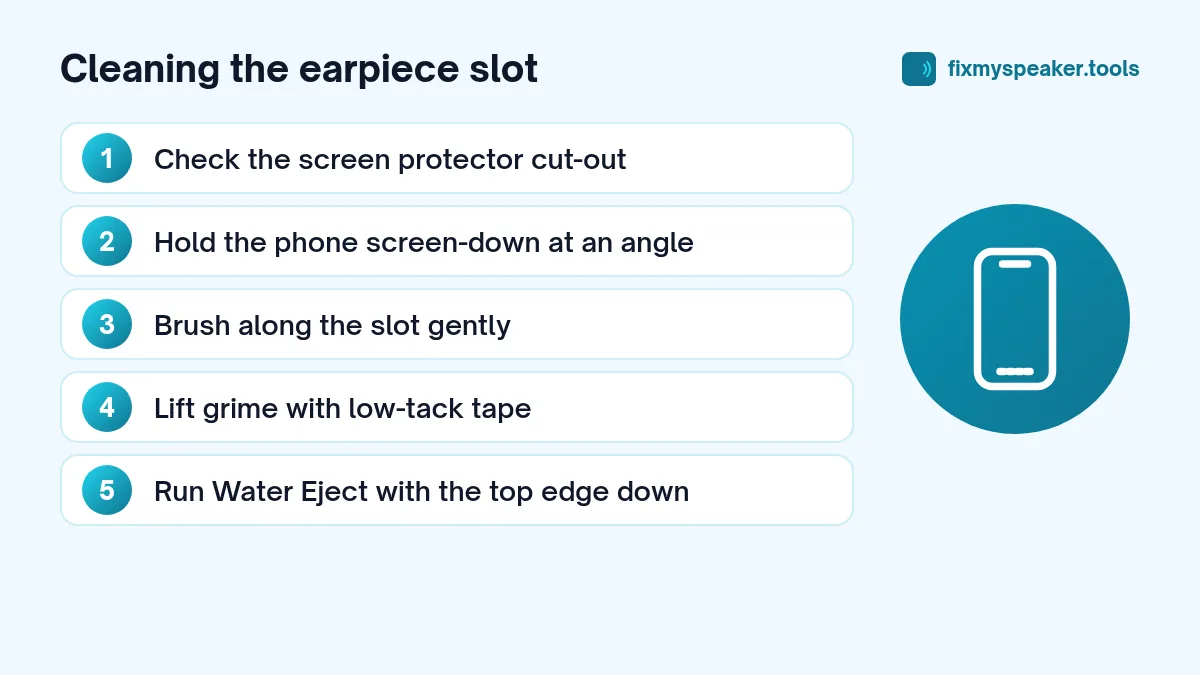
- Hold the phone screen-down at an angle, so loosened debris falls out.
- Brush along the slot with a soft, dry toothbrush, using light strokes.
- Press a piece of low-tack tape or reusable putty gently against the slot and lift it off. Repeat with fresh pieces.
- For greasy residue, very lightly dampen the toothbrush with isopropyl alcohol, tap off the excess, and brush again. Never drip liquid into the slot.
- Let it dry, then test with a call.
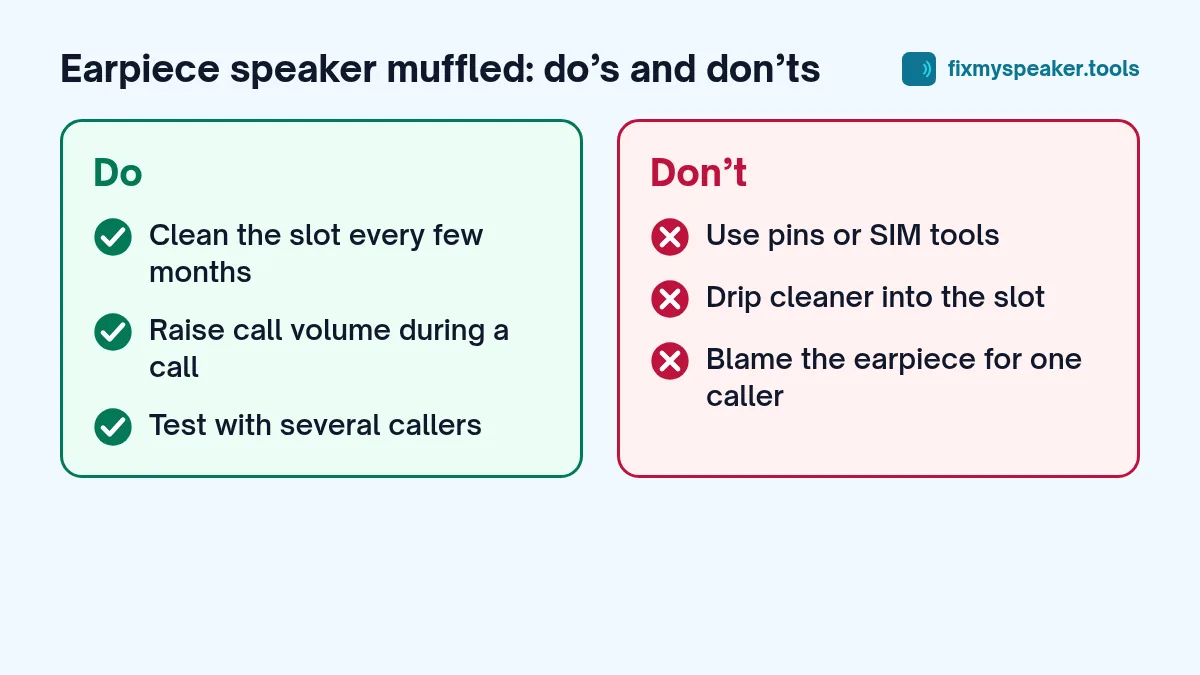
Avoid pins, needles and SIM tools. The earpiece mesh is very thin and easy to puncture.
Cause 3: Water
If you’ve been in the rain or the shower with your phone, water in the earpiece slot makes calls sound distant or crackly.
- Open the Fix My Speaker tool.
- Turn the phone so the top edge points down.
- Turn the volume up and tap Eject Water.
- Wipe the slot and repeat if needed.
Because the earpiece is smaller and quieter than the main speaker, it may take a couple of cycles. Then let the phone air dry. More detail in our iPhone and Android water guides.
Cause 4: Call volume is low
Call volume is separate from media volume on most phones. During a call, press the volume up button to raise it. Some phones also have call-specific features:
- Noise reduction or voice clarity options in the call settings can make voices sound thinner. Try turning them on or off.
- Wi-Fi calling and VoLTE affect call quality. If calls sound muffled only on one network, it may be the network rather than the speaker.
- Hearing aid mode on some Android phones changes the earpiece output.
Cause 5: The other person’s microphone
It’s easy to forget: if one specific person always sounds muffled, the problem may be their phone’s microphone. Test with a few different callers before blaming your earpiece.
Cause 6: Proximity sensor and case issues
A case that’s too tight around the top edge, or one with a raised lip, can create a seal against your ear that changes the sound. Try a call without the case.
Cause 7: A damaged earpiece
If the earpiece is clean, dry and unobstructed but calls still crackle or sound distorted, the speaker may be damaged. The earpiece is usually attached near the top of the display, so replacing it can be more involved than replacing the bottom speaker. See when to go to a repair shop.
Preventing it from coming back
A few habits keep the earpiece clear for longer:
- Wipe the top of the screen with a soft cloth every day or two, especially after calls on a hot day.
- Choose screen protectors with a precise earpiece cut-out, or ones designed for your exact model.
- If you wear makeup or use face cream, give the slot a quick dry brush once a week.
- Avoid storing the phone screen-down in pockets full of lint.
- After rain or a shower, run one Water Eject cycle with the top edge pointing down before you make a call.
Common mistakes
- Cleaning with the phone screen-up. Debris falls into the slot. Hold the phone screen-down at an angle.
- Pressing hard with tape or putty. Light pressure is enough; heavy pressure can push grime in.
- Using wet wipes. They leave moisture and residue in the slot.
- Fitting a new protector without checking the slot. Always check the cut-out lines up.
When this won’t work
Cleaning won’t help if the earpiece itself is damaged, if the issue is network call quality, or if the other person’s microphone is the problem. Test calls over Wi-Fi calling and mobile data, and with different callers, to rule those out first.
Frequently asked questions
Why is my earpiece quiet but the speakerphone loud?
The earpiece is small and close to your ear, so even a thin layer of dust makes a noticeable difference. Clean the slot and raise call volume.
Can the proximity sensor affect call sound?
The proximity sensor turns the screen off when the phone is at your ear; it doesn’t control volume. But a case or protector that covers the sensor and the earpiece can cause both problems at once.
How do I test the earpiece without calling someone?
Play a voice note or a video with the phone to your ear and the speakerphone off, or use the Stereo Test on the homepage and listen to the earpiece side at a comfortable volume.
Does a dirty earpiece affect the microphone?
No, the microphone sits in a different place, usually on the bottom edge near the charging port, with a second one on the top or back for noise reduction. If people say they can’t hear you clearly, clean those small holes gently with a soft brush as well. Don’t push anything into them. A muffled microphone and a muffled earpiece are separate problems, even though both make calls harder, so test each one on its own.
Quick fix checklist
- Check the screen protector isn’t covering the slot.
- Brush and tape-clean the slot.
- Run Water Eject with the top edge facing down.
- Raise call volume during a call.
- Test with several callers and with speakerphone.
- Remove the case.
- If still muffled, get the earpiece checked.
Clean the earpiece every few months as a habit, especially if you wear makeup or use your phone often for calls. It takes a minute and keeps calls sounding clear.