A phone speaker that suddenly seems quieter is frustrating, especially when you’re watching videos or using speakerphone in a noisy place. Before you assume the speaker is failing, work through these causes. Most of them take seconds to check.
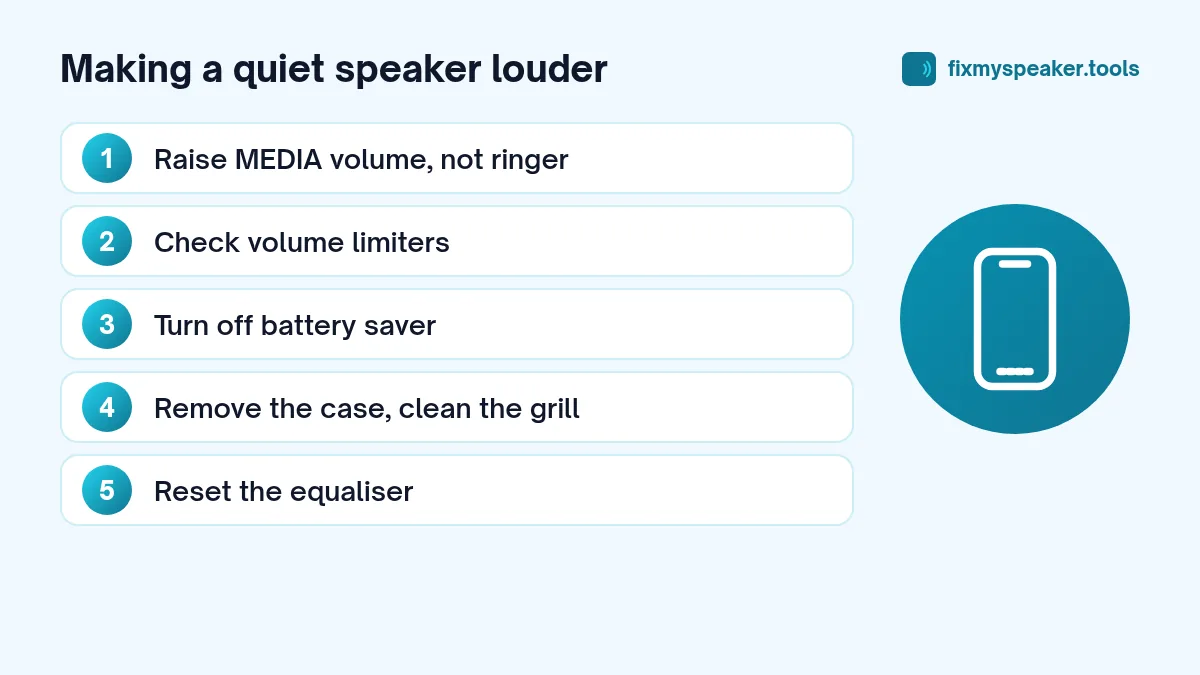
1. Make sure you’re raising the right volume
Phones have separate volume levels for media, ringtones, calls and alarms. Pressing the volume keys while nothing is playing may change the ringer, not the media volume.
- Android: Press a volume key, then tap the settings or three-dot icon on the volume panel to see all the sliders. Raise Media.
- iPhone: Start playing something first, then use the volume buttons. In Settings, Sounds and Haptics, check whether Change with Buttons is on, which affects how the ringer volume behaves.
2. Check for a volume limit
Both platforms include hearing-protection limits that cap the maximum volume.
- iPhone: Settings, Sounds and Haptics, Headphone Safety. This applies to headphones, not the speaker, but check it if you’ve been using earbuds. Also check Screen Time, Content and Privacy Restrictions, for any volume limit set for a child account.
- Android: Some brands have a Media volume limiter under sound settings. Samsung, for example, places it in Settings, Sounds and vibration, Volume, then the three-dot menu.
3. Turn off battery saver and similar modes
Some phones reduce speaker output in power saving or eco modes. If the volume drops when your battery is low, try turning power saving off and testing again.
4. Remove the case and clean the grille
A case cut-out that doesn’t line up, a lip that blocks the grille when the phone lies flat, or months of lint inside the grille can all make the speaker quieter. Take the case off and compare. If you see lint, follow our guide to cleaning dust from a phone speaker grill and run the Dust Removal mode in the speaker cleaner.
5. Clear water from the speaker
If the phone has been in the rain or near water, a thin film of water in the grille makes the speaker sound quieter and duller. Play the Water Eject tone at full volume with the speaker facing down, two or three times.
6. Check equaliser and sound effects
Equaliser presets can cut certain frequencies and make the speaker seem quieter. Reset the equaliser in your phone settings and in apps like Spotify or YouTube Music. Features like Dolby Atmos can make things louder or quieter depending on the profile; try switching it on and off to compare.
7. Check accessibility settings
- Mono audio and balance. A balance slider moved to one side makes one speaker quieter. Centre it.
- Hearing aid compatibility or sound personalisation features can change speaker output on some phones.
8. Bluetooth and casting
If part of the sound is going to a smartwatch, car or speaker, the phone speaker may seem quiet or silent. Turn Bluetooth off and test again, and make sure you aren’t casting to a TV.
9. The app’s own volume
Many apps have their own volume control or normalisation. Video apps like YouTube have a “stable volume” feature on some platforms, and music apps often have “normalize volume” settings that keep songs at a lower, consistent level. Turning normalisation off can make music louder.
10. Test with a known source
Play the same song through a different app, or run the Stereo Test at full volume. If the tone is loud and clear but a particular app is quiet, the problem is the app or the content.
Is my speaker getting weaker with age?
Speakers don’t usually lose volume gradually from normal use. A slow decline in volume is much more often caused by lint building up in the grille or the internal mesh. A sudden drop, especially with crackling, is more likely to be water or damage.
When low volume means damage
If the speaker is quiet, clean and dry, settings are checked, and it also crackles or rattles, the speaker may be damaged. Use the Stereo Test to confirm which speaker is weak, then see speaker crackling causes and fixes and when to go to a repair shop.
Tips for louder sound without damage
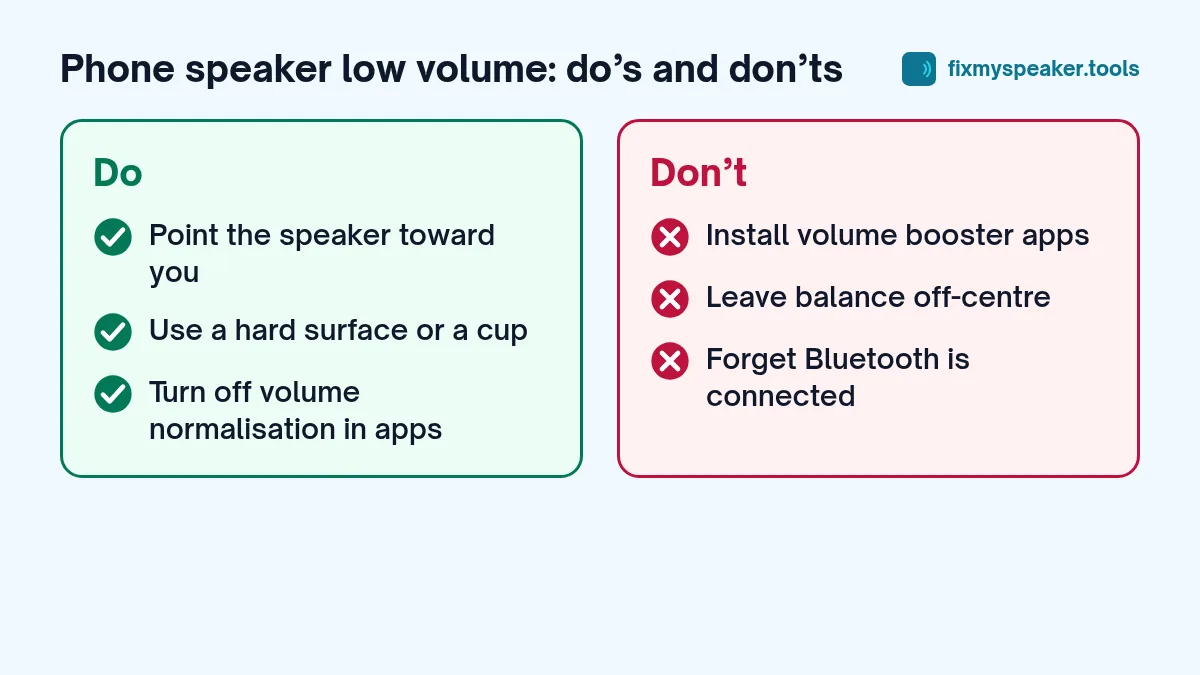
- Place the phone in an empty cup or bowl with the speaker facing in. It works like a horn and makes the sound noticeably louder.
- Point the bottom speaker toward you rather than away.
- Lay the phone on a hard surface rather than a soft one.
- Avoid “volume booster” apps that push output beyond the phone’s normal limit. They mostly add distortion and can damage the speaker over time.
Model-specific settings worth knowing
- Samsung: Settings, Sounds and vibration, Sound quality and effects has Dolby Atmos and the equaliser. The media volume limiter sits under Settings, Sounds and vibration, Volume, in the three-dot menu.
- Pixel: Settings, Sound and vibration shows the media volume slider and options like Adaptive Sound on some models, which adjusts audio based on your surroundings.
- Xiaomi, Redmi and POCO: Settings, Sound and vibration includes sound effects such as Dolby Atmos or audio enhancements depending on the model.
- iPhone: Settings, Sounds and Haptics, and Settings, Music (Settings, Apps, Music on newer iOS versions) for the EQ and Sound Check (volume normalisation) options.
Menu names can vary with software versions, so use the settings search bar if a path doesn’t match.
When the quiet speaker won’t improve
If you’ve worked through every step and the speaker is still quiet:
- Test in Safe Mode on Android to rule out a third-party app.
- Compare with another phone playing the same song at the same volume.
- Use the Stereo Test to see if one side is clearly weaker.
- Check if the phone was dropped recently.
If one speaker is clearly weaker than it used to be and it isn’t blocked, the speaker may need replacing. See when to go to a repair shop.
Frequently asked questions
Why is my phone quieter in calls than in videos?
Call audio uses a separate volume and often a different speaker. Raise the volume during a call, and check the earpiece slot for dirt.
Do volume booster apps work?
They can make some content louder by amplifying the signal, but usually add distortion and can strain the speaker. Most quiet speakers are better fixed with settings and cleaning.
Is Sound Check making my iPhone quieter?
Sound Check evens out volume between songs, which can make some tracks quieter. Try turning it off in the Music settings.
Summary
- Raise media volume, not the ringer.
- Check volume limits and battery saver.
- Remove the case and clean the grille.
- Clear water with the speaker cleaner.
- Reset the equaliser and check balance.
- Turn off Bluetooth and casting.
- Test with another app and the Stereo Test.
For the related problem of dull rather than quiet sound, read why your phone speaker sounds muffled.