Most phones, laptops and many Bluetooth speakers now have two speakers for stereo sound. When one of them is blocked, wet or damaged, you might not notice right away, because the other one keeps playing. A quick left/right test tells you if both are working and helps you figure out what to fix.
How to run a stereo test
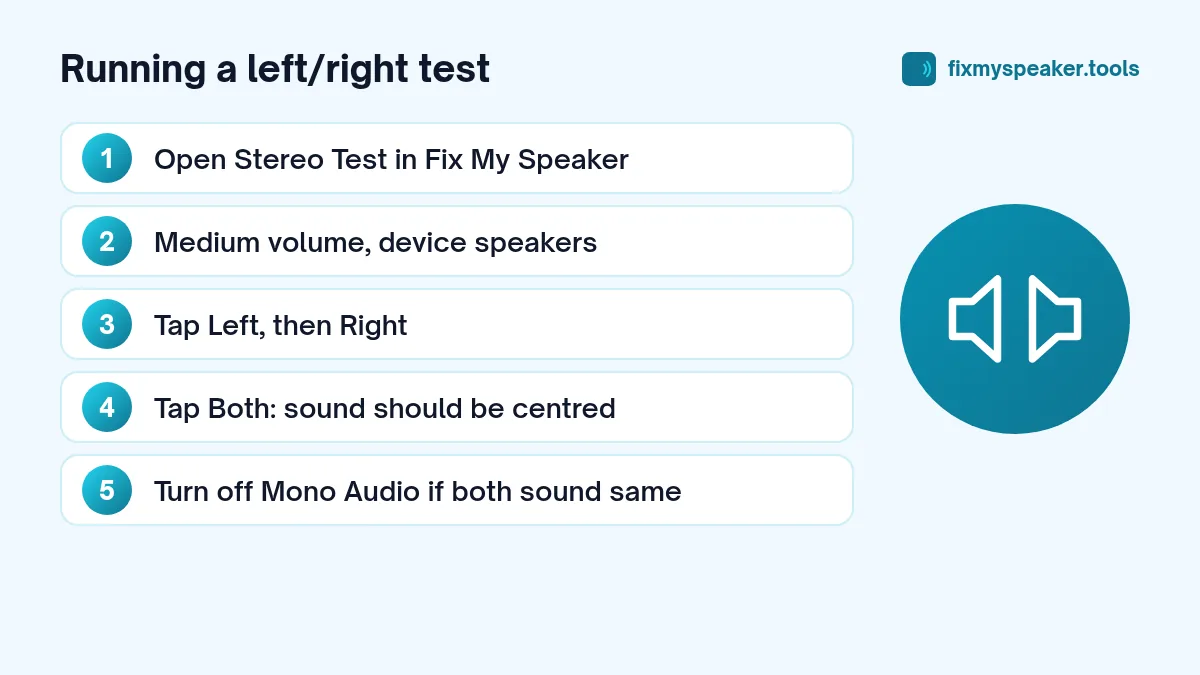
- Open the Fix My Speaker tool and choose Stereo Test.
- Set the volume to a comfortable medium level.
- Tap Left. You should hear the tone mainly from the left speaker.
- Tap Right. You should hear it from the right.
- Tap Both. The tone should seem to come from the centre.
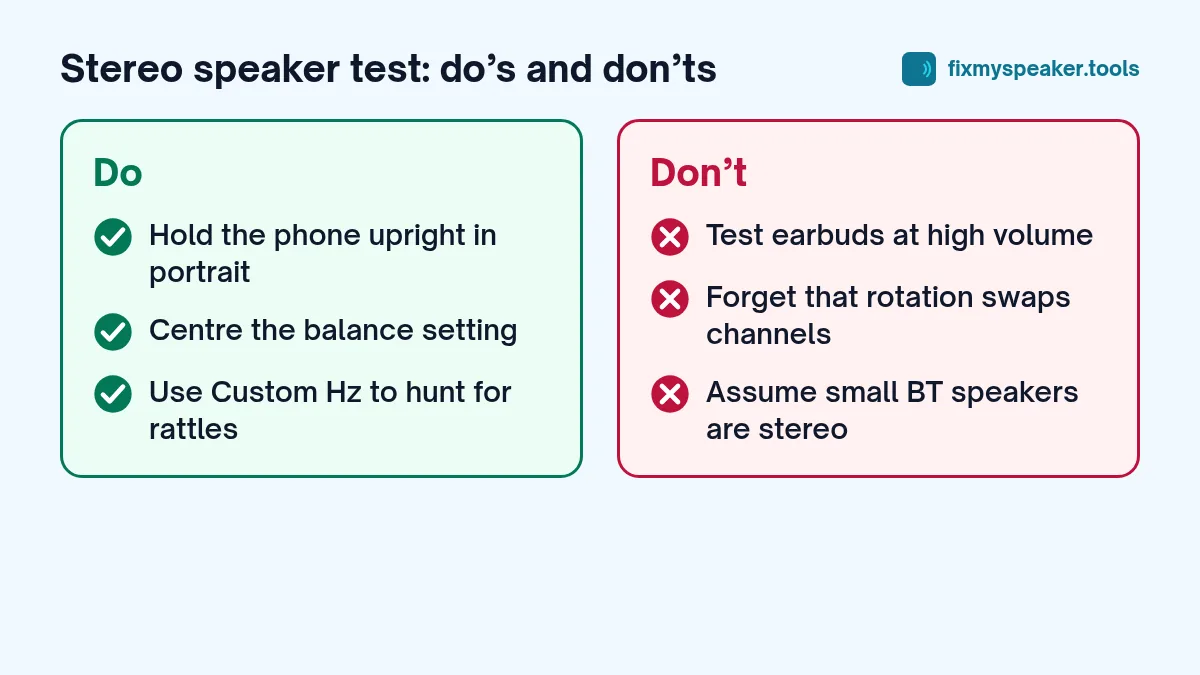
Use the device’s own speakers for this test. If you’re testing earbuds or headphones, keep the volume low, and don’t wear them at high volume with any test tone.
Phones: where are the two speakers?
On most modern phones:
- The bottom speaker is the main loudspeaker.
- The earpiece at the top of the screen doubles as the second speaker for stereo media.
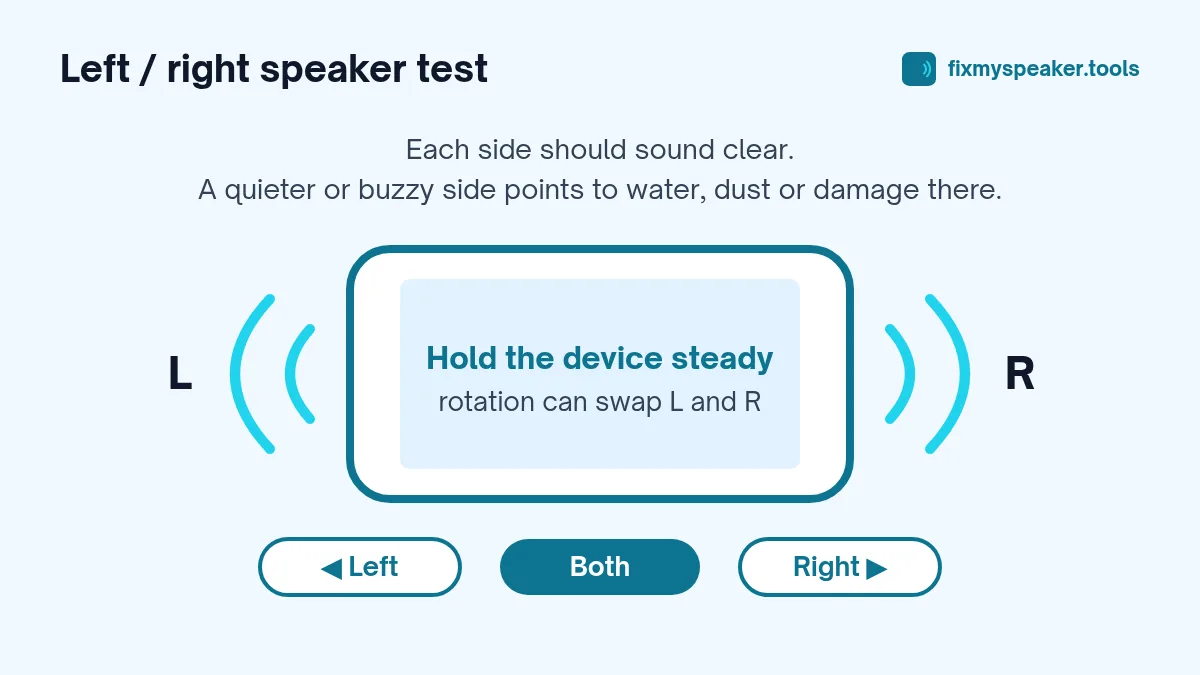
The earpiece is usually quieter and has less bass than the bottom speaker. That’s normal. What you’re listening for is that each side plays clearly without crackling, rattling or a much weaker sound than usual.
Rotation changes left and right
When you turn a phone sideways, it swaps which physical speaker plays the left channel, so that left is always on your left. If the test seems backwards, check how you’re holding the phone. For a consistent test, hold it upright in portrait mode, or note which way you’ve rotated it.
Mono audio and balance settings
If both sides play exactly the same no matter what you select, check whether mono audio is on:
- iPhone: Settings, Accessibility, Audio and Visual. Turn Mono Audio off and centre the balance slider.
- Android: Settings, Accessibility, then look for Audio adjustment, Mono audio or Audio balance. The exact location varies by brand.
Some phones also play everything in mono in certain apps or when the screen is in portrait mode. Rotate to landscape and try again if you think that’s happening.
Laptops
Laptop speakers are usually on the left and right sides of the keyboard, at the front edge or on the bottom. Run the stereo test, and also check:
- Windows: Settings, System, Sound, select the speakers, and check the left and right balance in the device properties.
- Mac: System Settings, Sound, Output, and check the balance slider.
If one side is silent with balance centred, the speaker or its cable is likely faulty. Our laptop speaker guide covers drivers and other software causes to rule out first.
Bluetooth speakers
Many small Bluetooth speakers are mono, even if they have two drivers, so a left/right test may play from the whole speaker every time. That isn’t a fault. Larger speakers and party speakers usually have true stereo. Some brands let you pair two speakers as a stereo pair through their app, and the stereo test is a good way to check you’ve set left and right correctly.
Remember that Bluetooth adds a short delay, so the sound may start a fraction of a second after you tap the button.
What the results mean
Both sides sound normal
Your speakers are working. If sound still seems muffled overall, the cause is probably a case, a setting or the content itself. See why your phone speaker sounds muffled.
One side is quieter or duller
This often means water or dust in that speaker. Run the Water Eject or Dust Removal mode with that speaker facing down, then test again. Our dust cleaning guide explains how to clean the grille safely.
One side crackles or buzzes
A crackle on one side only usually points to water, debris or damage on that speaker. Clear water first. If it still crackles after the device is dry, see speaker crackling causes and fixes.
One side is completely silent
Check that mono audio is off and the balance is centred. If it’s still silent, the speaker may be disconnected or damaged. On a phone, it’s worth checking whether the earpiece works on a normal call; if calls are fine but stereo media only plays from one speaker, it may be a software or settings issue.
Using a custom frequency
The Custom Hz mode lets you play a single frequency from 60 to 1000 Hz. Moving the slider slowly up and down can reveal rattles that only happen at certain frequencies. A rattle at one specific frequency can be a loose part nearby, like a camera lens cover or a case, rather than the speaker itself. Remove the case and test again.
Step-by-step: testing a phone’s stereo speakers properly
- Remove the case and turn off Bluetooth so sound can only play from the phone.
- Turn off Mono Audio and centre the balance slider in Accessibility settings.
- Hold the phone upright in portrait mode, earpiece at the top.
- Open the Stereo Test and set a medium volume.
- Play Left, then Right, and note which physical speaker each one comes from.
- Rotate the phone to landscape and repeat. The channels may swap, and that’s normal.
- Play Both. The sound should be balanced and free of buzzing.
If one speaker sounds weak, clean it and run the Water Eject mode with that speaker facing down, then test again.
Common mistakes
- Testing with the volume too low. A weak earpiece is easier to judge at medium volume.
- Forgetting about connected devices. A smartwatch or car can still be receiving audio.
- Comparing the earpiece to the bottom speaker. The earpiece is always smaller and has less bass; you’re listening for clarity, not equal loudness.
Frequently asked questions
Do all phones have stereo speakers?
No. Many budget phones have a single bottom speaker. In that case the left and right tests both come from the same speaker, which is normal.
Why does the earpiece sound tinny compared to the bottom speaker?
It’s smaller and designed mainly for calls. A tinny sound is normal as long as it’s clear and free of crackling.
Can I test a TV or soundbar with this?
Yes, if you play the page on a device connected to it, such as a laptop over HDMI. Keep the volume moderate.
The Both test sounds louder on one side. Is that a fault?
Not always. On phones, the bottom speaker is larger and louder than the earpiece, so Both often seems to lean toward the bottom. On laptops and speakers with two identical drivers, both sides should sound similar. If one side is clearly quieter there, check the balance setting first, then clean that grille and test again. A difference that remains after cleaning and a day of drying is worth having checked, especially if that side also buzzes or crackles.
How often should you test?
Whenever you notice a change in sound, after the device has been wet, or after a repair. Technicians often run a quick speaker test after replacing a screen or battery, because speaker connectors can be disturbed during the repair.